Every guest's photos, in one gallery.
Your guests scan a QR code and add their photos and videos from the phone browser. No app, no account. You pay once, from €19.
Free to set up and preview. You pay only when you open it to your guests.

The best photos of your party are not taken by the photographer. They sit on a hundred phones, and most of them never reach you.
How it works
From a hundred phones to one gallery










Who are you?
Anna
-
You put a QR code on the tables
Create the gallery, give it your event's name and colours, and print the card. It takes a few minutes.
-
Guests scan it and type their name
The gallery opens in the phone's browser. There is nothing to install and no account to create. A name is all it asks for.
-
They add photos and videos
As many as they like, during the party and in the weeks after. If the venue Wi-Fi drops, the upload waits and resumes with a tap.
-
Everyone watches the gallery fill up
One mosaic with everybody's shots, or grouped by guest. You can remove anything, and you download it all at the end.
For any day people take pictures of
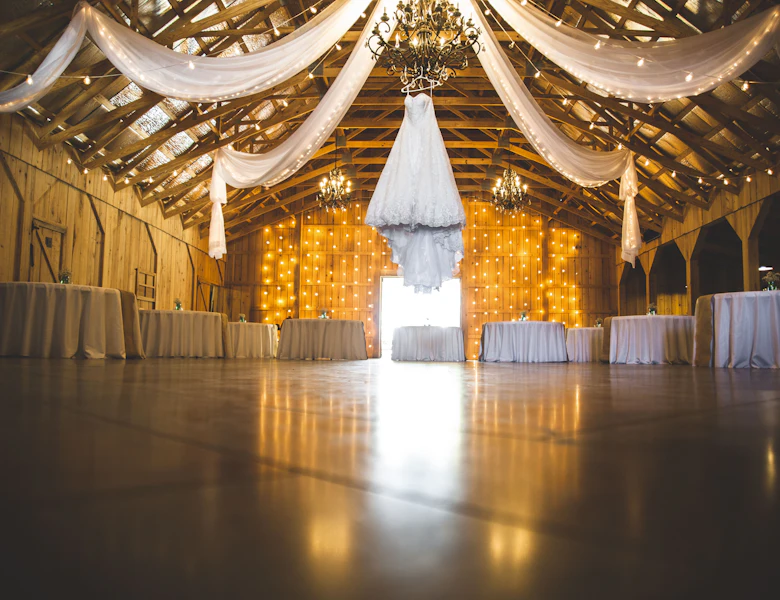
A wedding was the first one. It works the same for a party of twenty.
-
Weddings
The dance floor at 2 a.m., seen from every table.
-
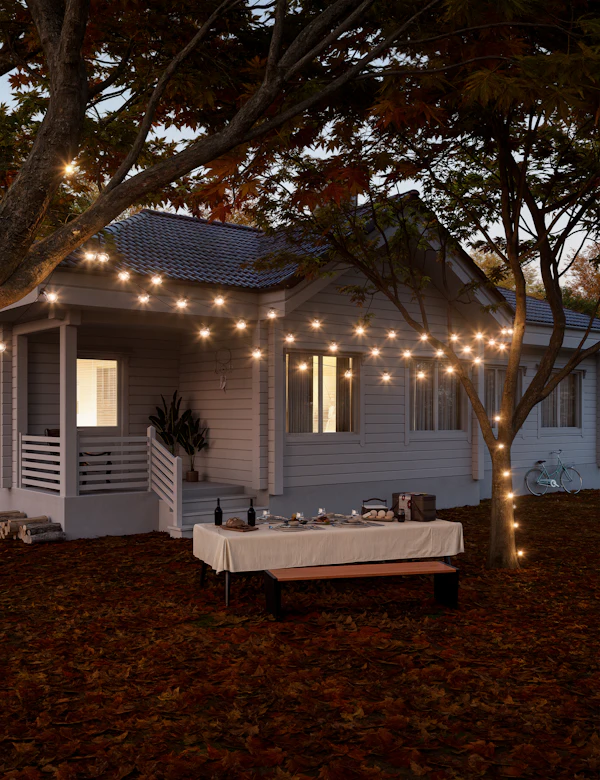
Birthdays
From the surprise to the last slice of cake.
-
Baptisms and communions
Photos from the relatives who never send them.
-
Company events
A private gallery for the team, deleted on a date you know in advance.
-
Graduations and reunions
Everybody brings a camera. Now the pictures come back.
-
Trips with friends
One gallery instead of five group chats.
In every plan
- Your colours, logo and cover photo
- QR code and a table card ready to print
- A live screen for the venue: the photos as they arrive, with the QR code
- A guestbook: every guest can leave a written or a voice message
- Photo reveal, like a disposable camera: everything appears at the time you choose
- Photo missions: small challenges that get every guest taking photos
- As many guests as you invite
- Mosaic view, and view by guest
- You can remove any photo or video. Guests can delete their own
- Guest pages in Italian, English, German, French and Spanish
- No advertising and no tracking on guest pages
- Download of everything before the gallery closes
One payment per event. No subscription.
Setting up and previewing is free. Prices include VAT.
-
Small
Birthdays and small parties
€19 once
- Photos and videos
- 1 GB of storageabout 300 photos
- Guests can upload until 30 days after the event
- Gallery online for 3 months
-
Standard
Suits most weddings
€39 once
- Photos and videos
- 5 GB of storageabout 1,500 photos
- Guests can upload until 60 days after the event
- Gallery online for 6 months
-
Large
Big weddings, a whole year online
€69 once
- Photos and videos
- 10 GB of storagetwice the Standard plan
- Guests can upload until 180 days after the event
- Gallery online for 12 months
Not sure? Start small: you can move to a larger plan at any time by paying the difference. Compare the plans in detail
How buying works, and what happens after
-
Create it free
Enter your email, receive a sign-in code, set up the gallery. No card needed.
-
See it before you pay
Open the preview, try a few test photos, change the colours until it looks like your event.
-
Choose a plan and pay
A secure payment page by Stripe: cards, Apple Pay, Google Pay. One payment, at the price you see.
-
The gallery opens
When the payment is confirmed your link and QR code start working. Print the card or send the link.
-
Guests upload
During the event and for as long as your plan says. If the storage fills up, uploads pause and you choose: free some space or move to a larger plan.
-
You download everything
Before the gallery goes offline. We remind you by email 30, 7 and 1 day ahead.
-
Then it is deleted
After the online period you have 30 more days to download. Then photos, videos and guest names are permanently deleted.
Questions people ask before buying
Do guests need an app or an account?
No. The gallery opens in the phone's browser. A guest types a name and can start adding photos.
Who can see the photos?
Anyone who has the link or the QR code, so share it with your guests only. The gallery is not listed on search engines. You can create a new link at any time, which switches the old one off.
Can I remove a photo I don't like?
Yes, any photo or video. Each guest can delete their own, and can remove their name and everything they added.
Are photos kept in original quality?
Photos are optimised on upload, up to 12 megapixels: sharp on any screen and in prints, but not the original file, which every guest still has on their phone. Videos are kept exactly as uploaded, up to 300 MB each.
What if the storage runs out?
You get an email when it is nearly full. If it fills up, uploads pause and the gallery stays visible. You can delete something or move to a larger plan by paying the difference.
Can I buy now for an event months away?
Yes. The periods count from the date of your event, not from the day you pay.
Is it a subscription?
No. You pay once for one event and nothing renews.
What happens to the photos afterwards?
When the online period ends, guests can no longer open the gallery and you have 30 more days to download. After that everything is permanently deleted, guest names included.
Do I get an invoice?
Yes. Every payment gets an invoice, ready in your account under Payments to print or save as PDF. A business can add its VAT number on the payment page, and it appears on the invoice. A refund gets a credit note.